
WhatsApp: Everything You Need to Know About the Latest Updates and Security : WhatsApp has become an essential communication platform for billions of people worldwide. However, its popularity has also made it an attractive target for scammers, account hijackers and cybercriminals. Although WhatsApp provides several built-in privacy and security features, many users may not have enabled all of them. From two-step verification and encrypted backups to app locks and privacy controls, a few changes to WhatsApp settings can significantly strengthen account security.
Follow the OT Academia channel
Here are 10 WhatsApp settings and security measures users should consider enabling today:
1. Turn On Two-Step Verification
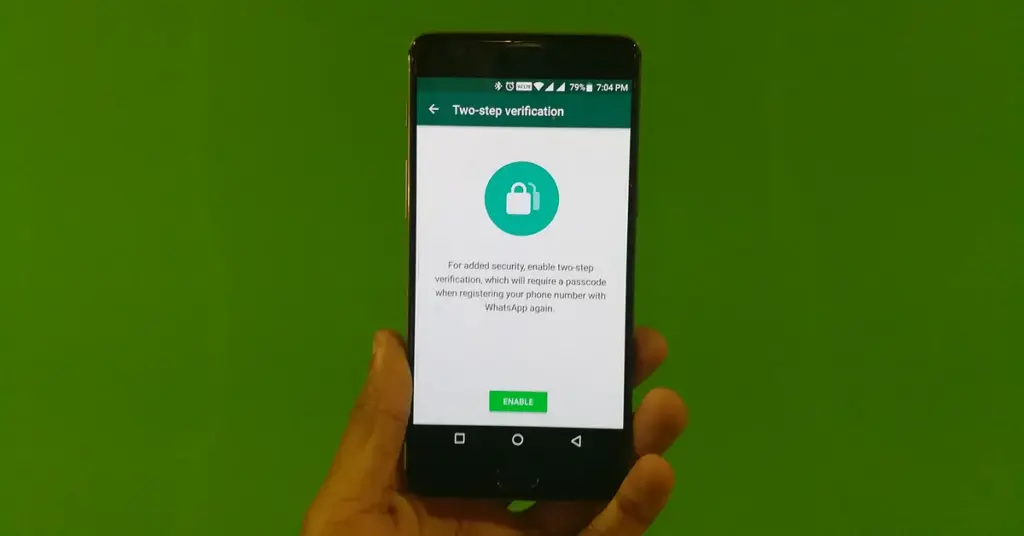
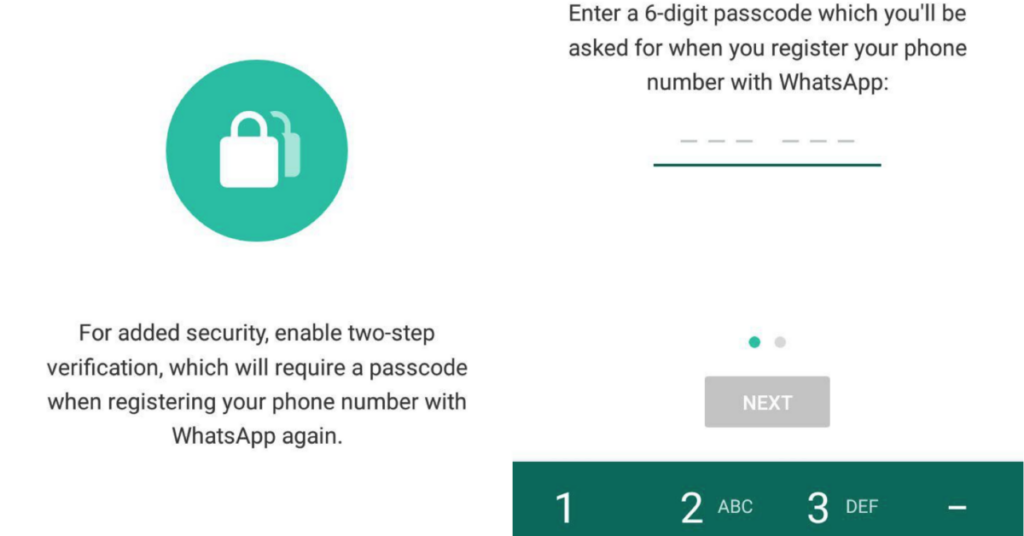
Two-step verification is one of WhatsApp’s most important security features. It adds a six-digit PIN that is required when registering a phone number with WhatsApp again.
Users can enable the feature by going to Settings → Account → Two-step verification and following the instructions.
Adding an email address for recovery is also recommended, provided the email account itself is properly secured.
2. Enable End-to-End Encrypted Backups
WhatsApp messages are protected by end-to-end encryption while being transmitted, but users should also consider protecting their stored chat backups.
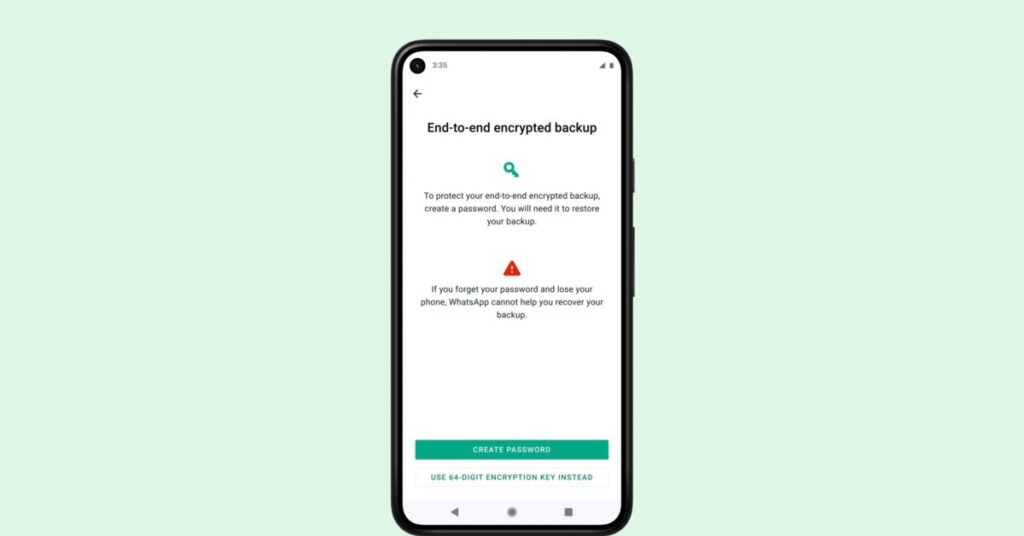
The feature can be accessed through Settings → Chats → Chat backup → End-to-end encrypted backup.
Users can protect their backups with a password or encryption key. It is important to keep this information safe, as losing it may prevent access to the encrypted backup.
3. Lock WhatsApp With Your Fingerprint or Face
Having an unlocked phone does not necessarily mean every app should be freely accessible.
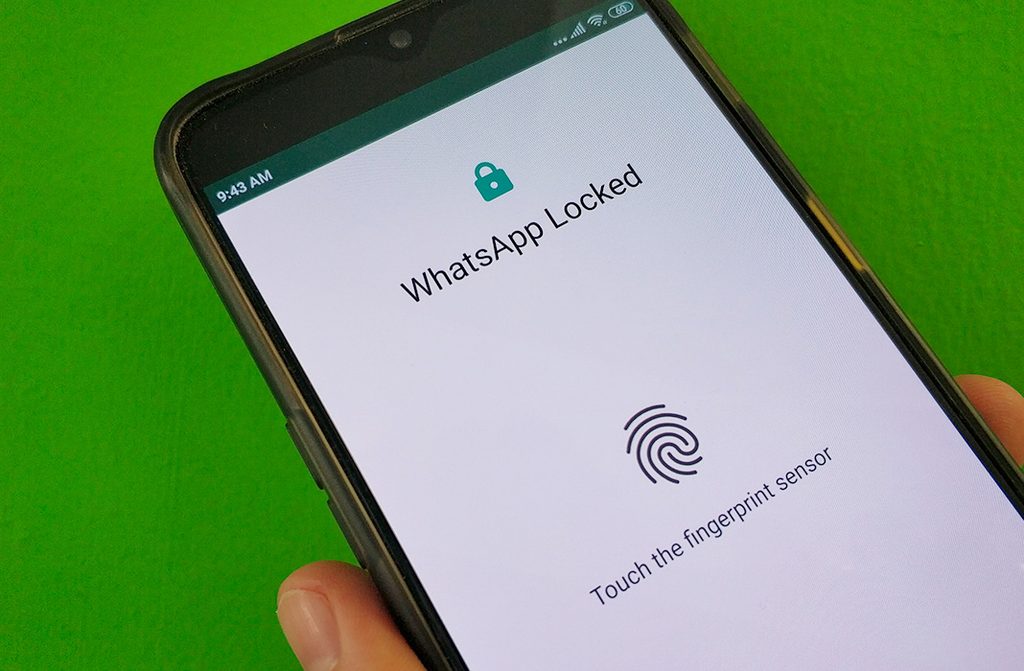
WhatsApp provides app-lock features that require biometric authentication before the application can be opened. Depending on the device, users may be able to use a fingerprint or Face ID.
The relevant option can generally be found under Settings → Privacy.
4. Silence Calls From Unknown Numbers
Spam and scam calls can be more than just a nuisance. Criminals may use unexpected calls as part of social-engineering attempts.
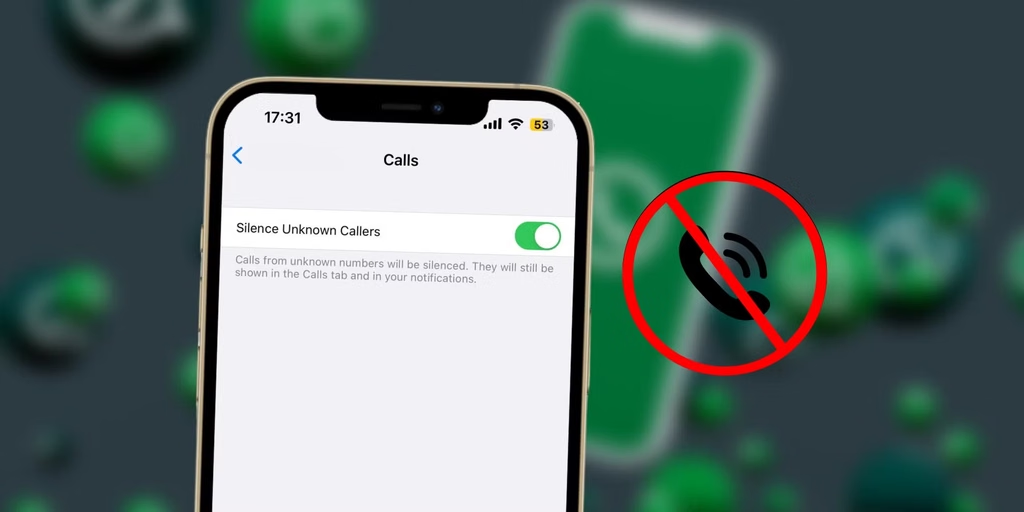
WhatsApp’s Silence Unknown Callers feature prevents calls from unknown numbers from ringing on the device while still allowing them to appear in the call list.
Users can find the option under Settings → Privacy → Calls.
5. Review Linked Devices Regularly
WhatsApp allows users to link their accounts to computers and other devices. While this is convenient, an unfamiliar linked device could potentially provide another person with continued access to the account.
Users should regularly go to Settings → Linked Devices and review the list.
Any unfamiliar or no-longer-needed device should be logged out immediately.
6. Restrict Who Can See Your Personal Information

WhatsApp allows users to control who can view personal information such as their profile photo, About section, Last Seen and online status.
These controls can be adjusted under Settings → Privacy.
Users concerned about privacy can restrict these details to their contacts or choose more restrictive options where available. This can reduce the amount of personal information exposed to strangers.
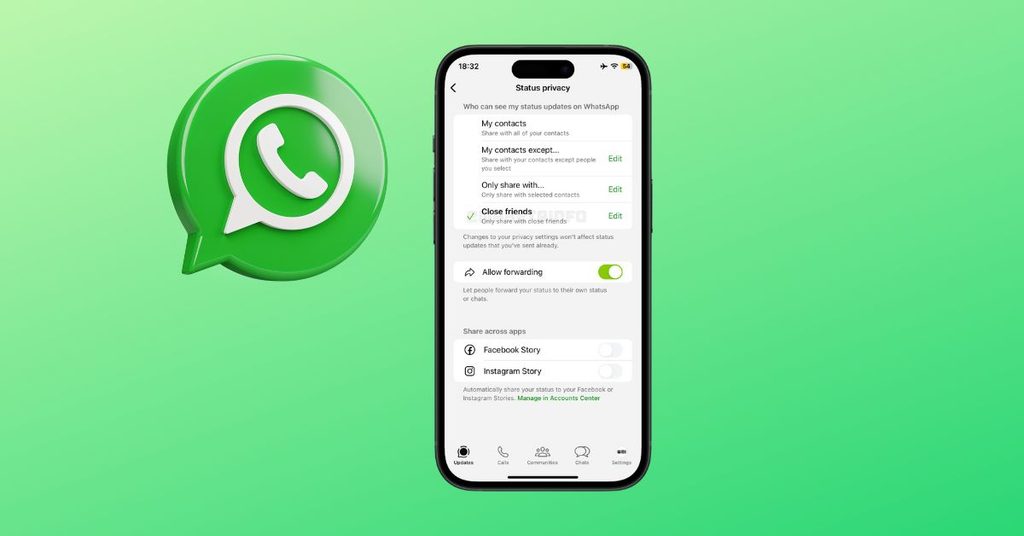
7. Review Status Privacy
WhatsApp Status updates can reveal more information than users may realise, including locations, travel plans, family activities and daily routines.
Before posting a Status update, users should check who can view it. WhatsApp allows users to limit Status visibility to selected contacts.
8. Turn On Disappearing Messages When Appropriate
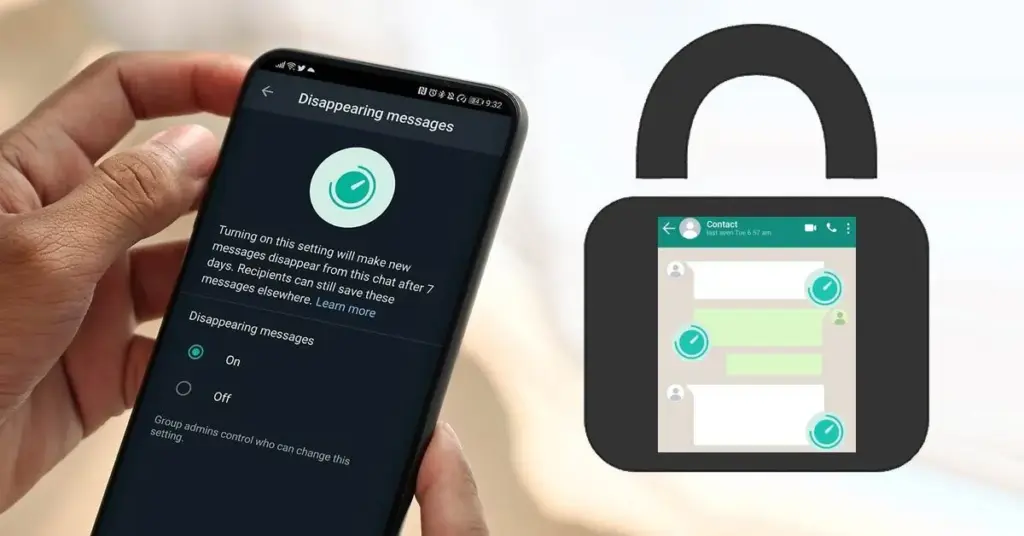
For conversations containing information that does not need to remain permanently available, Disappearing Messages can provide an additional layer of privacy.
Users can enable the feature for individual chats or set a default message timer for new conversations.
However, disappearing messages should not be considered a guarantee that information cannot be saved, copied or captured by another person.
9. Use WhatsApp’s Privacy Checkup
Users who are unsure about which privacy settings to change can use WhatsApp’s Privacy Checkup.
The feature brings several important privacy controls together and guides users through settings related to personal information, messages, calls and other privacy options.
Regularly reviewing these settings can be particularly useful after major WhatsApp updates.
10. Never Share Your Verification Code
Although this is not technically a setting, it is one of the most important security habits for every WhatsApp user.
Users should never share their six-digit WhatsApp registration or verification code with anyone.
Scammers may pretend to be friends, relatives, customer-service representatives or even WhatsApp employees to persuade users to reveal the code.
Users should also be cautious about unexpected links, requests for money and messages asking them to scan QR codes or link unfamiliar devices.
WhatsApp Username Update: What Users Need to Know
WhatsApp is introducing a major privacy-focused update that will allow users to connect with others using a username instead of sharing their phone number. Meta announced the new feature on June 29, 2026, and said users can reserve their preferred username ahead of the wider rollout later this year.
The new feature is designed to give users greater control over their personal information, particularly when communicating with people they do not already know.
How will WhatsApp usernames work?
Once the feature is available, users who enable a username will be able to communicate with new people without immediately revealing their phone number. When a user messages a person or business for the first time, the recipient will not see the sender’s phone number if the username is enabled.
Users can reserve usernames
WhatsApp has opened username reservations ahead of the full launch. Users with the latest version of the app can check Settings → Account → Username to reserve an available username. Meta said the feature will be rolled out gradually, and users will be notified in WhatsApp when it becomes available in their country.
Username must be unique
With more than three billion WhatsApp users, many people may want the same username. WhatsApp has therefore opened reservations early to give users an opportunity to select the name they want. Meta has also introduced a username generator to help users create a unique option.
Extra control over who can contact you
WhatsApp will not provide a public directory of usernames or suggest usernames to users. People will need to know the exact username to contact someone for the first time.
WhatsApp is also introducing an optional username key, which can provide an additional layer of control over who can message a user through their username.
Good news for creators and businesses
Creators, small businesses and organisations will also be able to benefit from the feature. Meta has reserved an option for eligible users to claim their existing Instagram or Facebook username on WhatsApp, helping them maintain a consistent online identity.
Chat Lock on WhatsApp
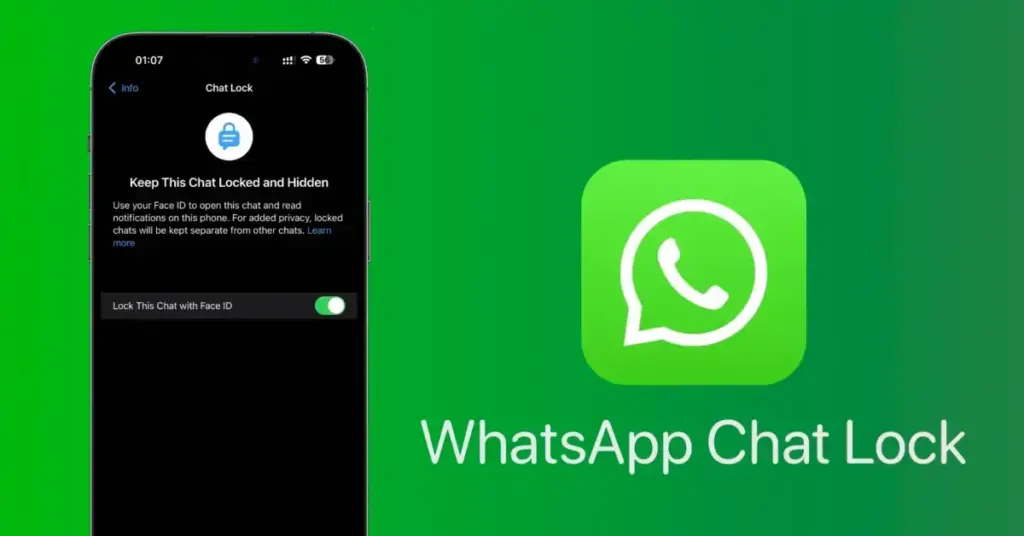
Chat Lock is an important WhatsApp privacy feature that allows users to protect specific conversations with an additional layer of security.
When a chat is locked, it is moved out of the regular chat list into a separate Locked Chats folder. Access to the folder requires the phone’s fingerprint, Face ID, passcode or other device authentication, depending on the phone.
To lock a chat:
- Open the WhatsApp chat you want to protect.
- Tap the contact or group name at the top.
- Select Chat Lock.
- Turn on the option and authenticate using your phone’s security method.
Locked chats also help hide sensitive message details from notifications. This can be particularly useful for conversations containing personal, financial or other confidential information.
Tip: Chat Lock should be used alongside two-step verification, app lock and other WhatsApp privacy features for stronger overall account protection.